
Download Update Scanner – Free RSS‑less Website Monitor
Overview
In a world where RSS and Atom feeds have become the de‑facto standard for staying up‑to‑date, a surprising number of websites still refuse to provide a feed. Whether you are tracking a niche blog, a product‑release page, or a government portal, missing out on fresh content can be frustrating. Update Scanner solves this problem with a lightweight, browser‑integrated solution that monitors any web page for visual or textual changes and notifies you instantly.
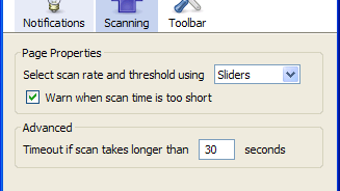
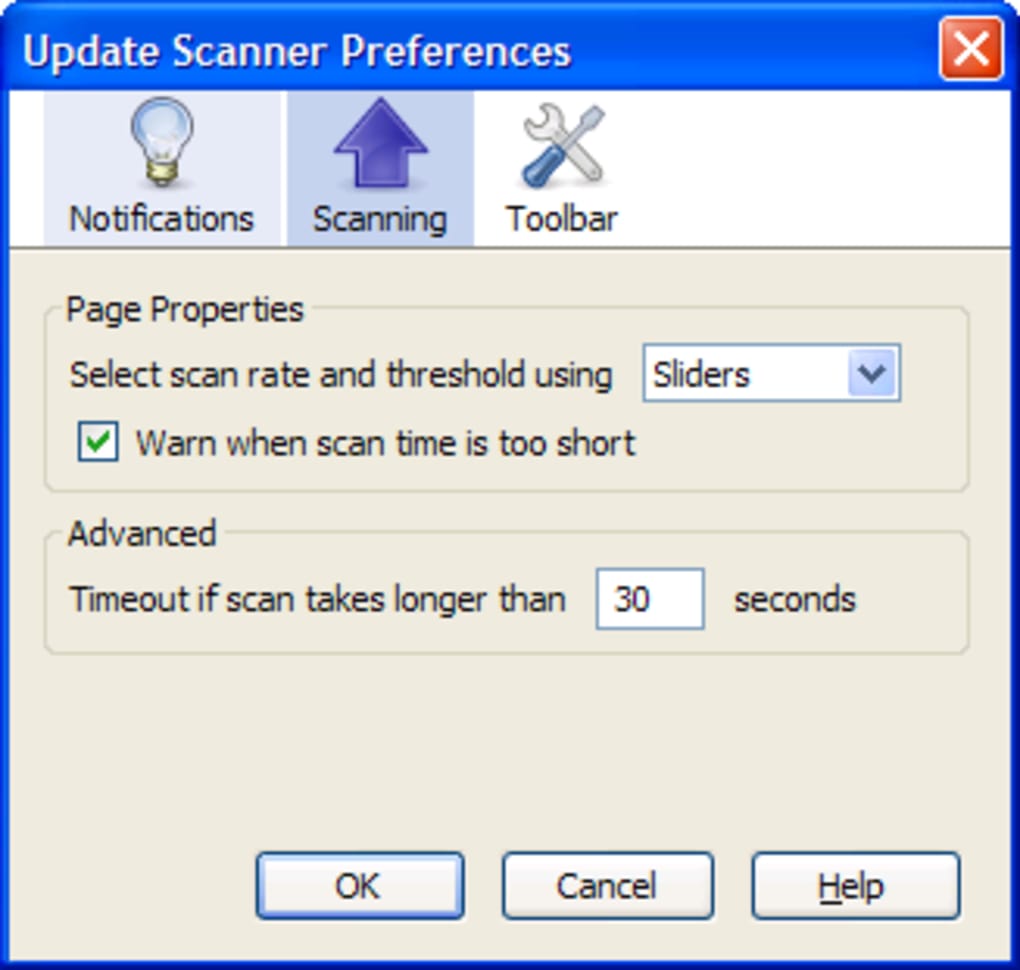
The add‑on works by periodically fetching the target URL, comparing the new markup against the previously stored snapshot, and highlighting any new elements in bright yellow. You can configure the polling interval, sensitivity thresholds, and even set numeric values for precision—making it far more flexible than the original slider‑only version. The latest release adds multilingual support (French, Turkish, Simplified Chinese, Bulgarian), a refined sidebar style, and a smoother configuration experience.
Because it runs inside Firefox (and compatible browsers that support WebExtensions), it inherits the browser’s security model, meaning your credentials and browsing data stay private. Whether you are a casual reader, a researcher, or a digital marketer, Update Scanner offers a free, secure way to keep tabs on any website that lacks a native RSS feed. Its ease of use, combined with powerful customization, turns a simple page‑watcher into a robust content‑tracking tool that works across Windows, macOS, Linux, Android, and iOS.
Features & Installation Guide
Key Features
- Monitor any public web page, even those without RSS or Atom feeds.
- Customizable polling interval (from 5 minutes to 24 hours).
- Numeric sensitivity settings for precise change detection.
- Automatic highlighting of new content in bright yellow.
- Desktop notifications and optional sound alerts.
- Support for multiple languages: English, French, Turkish, Simplified Chinese, Bulgarian.
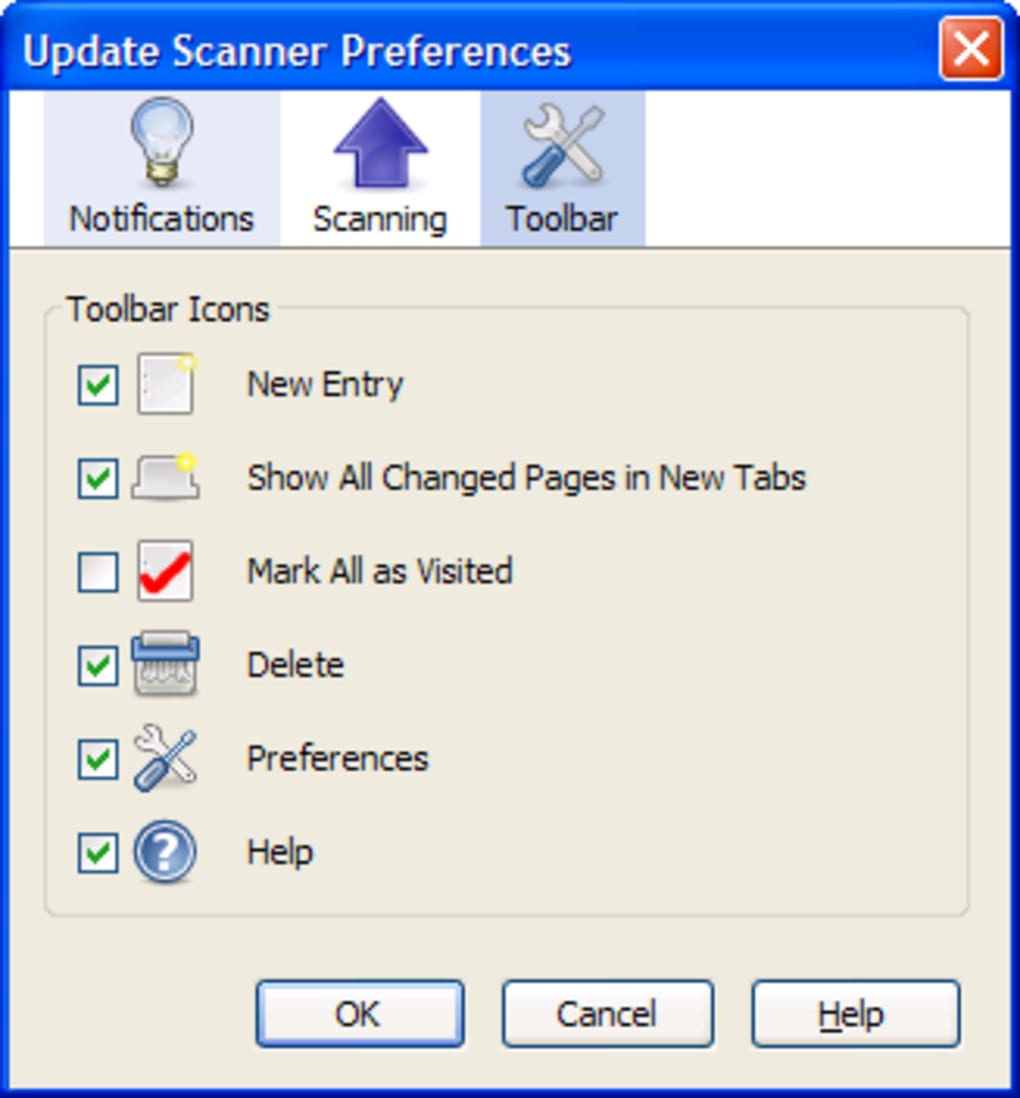
- Sidebar view for quick overview of all watched pages.
- Lightweight footprint – minimal impact on browser performance.
- Secure operation within Firefox’s sandboxed environment.
- Free to download and use, with optional donations for development.
Step‑by‑Step Installation
Installing Update Scanner is straightforward and takes less than two minutes. Follow these steps to get the add‑on up and running:
- Open the Firefox Add‑ons page. In the browser toolbar, click the three‑dot menu, choose “Add‑ons and themes,” and then select “Find more add‑ons.”
- Search for “Update Scanner.” Type the name into the search bar and press Enter.
- Click “Add to Firefox.” A confirmation dialog appears; review the permissions and click “Add.”
- Allow the installation. Firefox will download the extension and ask you to confirm. Click “Okay” to finish.
- Access the toolbar icon. Once installed, an orange eye icon appears next to the address bar.
- Configure your first watch. Click the icon, select “Add new page,” paste the URL of the site you want to monitor, and set the interval and sensitivity.
- Save and start monitoring. Press “Save.” Update Scanner will now begin checking the page at the defined frequency and will alert you whenever it detects a change that meets your criteria.
The add‑on automatically updates itself through Firefox’s built‑in update mechanism, ensuring you always have the latest security patches and feature enhancements without manual intervention.
Compatibility, Pros & Cons, and Frequently Asked Questions
Supported Platforms (itemprop="operatingSystem")
Update Scanner is built as a WebExtension, which means it works on any platform that runs a compatible version of Firefox or Firefox‑based browsers (such as Waterfox, Pale Moon, and LibreWolf). The official supported operating systems are:
- Windows 7, 8, 10, 11
- macOS 10.13 and later
- Linux distributions with Firefox 60+
- Android (Firefox for Android) – limited UI but full monitoring capabilities
- iOS (Firefox for iOS) – notifications work, but sidebar view is not available
Because the extension runs inside the browser sandbox, there are no additional system‑level dependencies, and it respects each OS’s security policies.
Pros and Cons
Pros
- Free and open to all users.
- Works on any website, regardless of RSS availability.
- Highly configurable polling and sensitivity options.
- Visual highlighting makes new content instantly recognizable.
- Low resource usage; does not slow down browsing.
- Multilingual interface broadens accessibility.
- Secure, runs within Firefox’s permission model.
Cons
- Requires Firefox or a compatible browser; not available as a standalone desktop app.
- Complex pages with dynamic JavaScript content may generate false positives.
- Mobile UI is less feature‑rich compared to desktop.
- No built‑in export of change logs (requires manual copy).
FAQ – Frequently Asked Questions (FAQPage)
Can Update Scanner monitor password‑protected pages?
Yes, as long as you are logged into the site in the same Firefox profile, the add‑on can access the page and detect changes. It does not store your credentials.
How does the sensitivity setting work?
Sensitivity defines the percentage of the page that must change before a notification is triggered. A lower number (e.g., 5%) alerts you for minor edits, while a higher number (e.g., 30%) only notifies you for substantial changes.
Is there a limit to the number of pages I can watch?
There is no hard‑coded limit, but monitoring many pages with short intervals may impact browser performance. We recommend keeping the list under 50 active watches for optimal speed.
Will Update Scanner work on other browsers like Chrome?
Currently, Update Scanner is released only for Firefox‑based browsers. A Chrome version is under consideration but not available at this time.
How are notifications delivered?
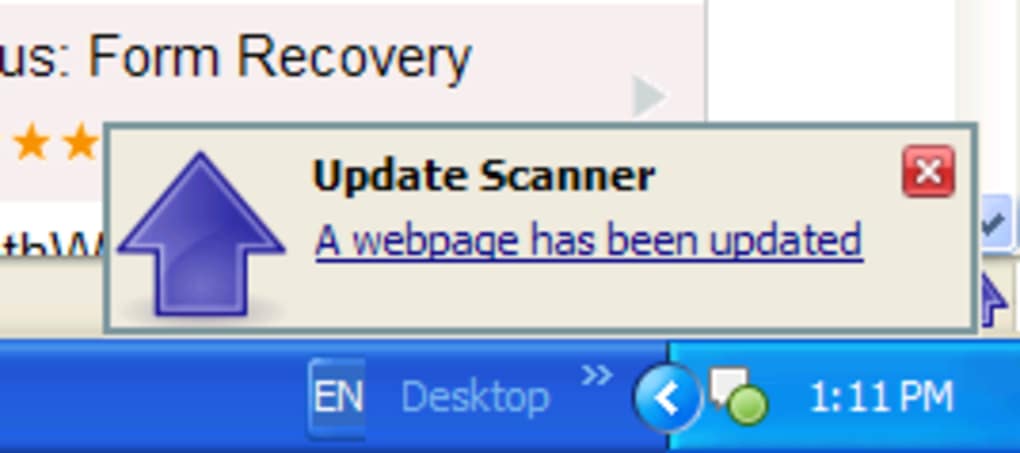
When a change meets your criteria, the extension shows a desktop notification (if enabled) and highlights the new content directly on the page. You can also enable an optional sound alert in the settings.
Conclusion – Stay Updated Without an RSS Feed
Update Scanner bridges the gap between modern content‑tracking expectations and the reality that many sites still lack an RSS or Atom feed. By offering a free, secure, and highly configurable monitoring solution, it empowers users to stay informed about the latest updates on any webpage they care about. The recent enhancements—numeric sensitivity controls, expanded language support, and a polished sidebar—make the tool more approachable for both beginners and power users. While it does rely on Firefox, the low overhead and strong privacy model outweigh the limitation for most audiences. Whether you are a journalist chasing breaking news, a developer watching documentation changes, or a hobbyist keeping tabs on a favorite hobby site, Update Scanner delivers timely alerts without cluttering your inbox.
Ready to experience hassle‑free website monitoring? Free download the latest version today and start receiving bright‑yellow highlights the moment your chosen pages change. Keep your workflow smooth, your information current, and your browsing experience secure—download Update Scanner now!
Update Scanner provides an elegant solution for monitoring RSS‑less websites, combining simplicity with powerful configuration options. Its free price point and cross‑platform support make it a must‑have utility for anyone who needs real‑time updates without compromising privacy.







